Skip the tests your change can't break.
What if your build pipeline could predict which tests actually matter for a given change? test-order tracks which parts of your application are exercised by which tests, so when you change a class it can run only the tests that touch it — giving you useful feedback within seconds rather than minutes. Pair it with priority scoring to surface likely-failing tests first.
# Run only the tests affected by your uncommitted changes
mvn test-order:affected test

# or, with Gradle:
./gradlew testOrderAffected
Why test-order?
Most CI time is spent waiting for tests that were never going to fail. test-order fixes that without touching your test code.
Numbers from a 30-project third-party validation run (June 2026) and a sample APFD report. Plus three freebies: 0 config to add, 100% of the original coverage preserved, runs on existing JUnit / TestNG suites.
Built on decades of research in test prioritization and impact analysis. See the bibliography →
An experimental tool by the SapMachine team — SAP's OpenJDK distribution. Tested on 30+ open-source Java projects.
Built for real test suites
Three things test-order does that random ordering, alphabetical ordering, and stale heuristics don't.
Catches bugs sooner
EMA-weighted failure history surfaces flaky and recently-broken tests early. Bug-finding tests rise to the top automatically.
Adapts to your codebase
Per-class weights, JaCoCo coverage signals, and a genetic optimizer tune the scoring without manual config.
Fits your build
Drop-in Maven and Gradle plugins. No annotations, no source changes, no CI infrastructure. Works on existing JUnit 6 / 5 / 4 and TestNG suites.
Everything that ships in the box
Every feature links to the relevant docs section.
Test prioritization
Affected-test selection
Order-dependent test detection
Dashboard & reporting
CI & build integration
Flaky-test handling & caching
See your suite, ranked
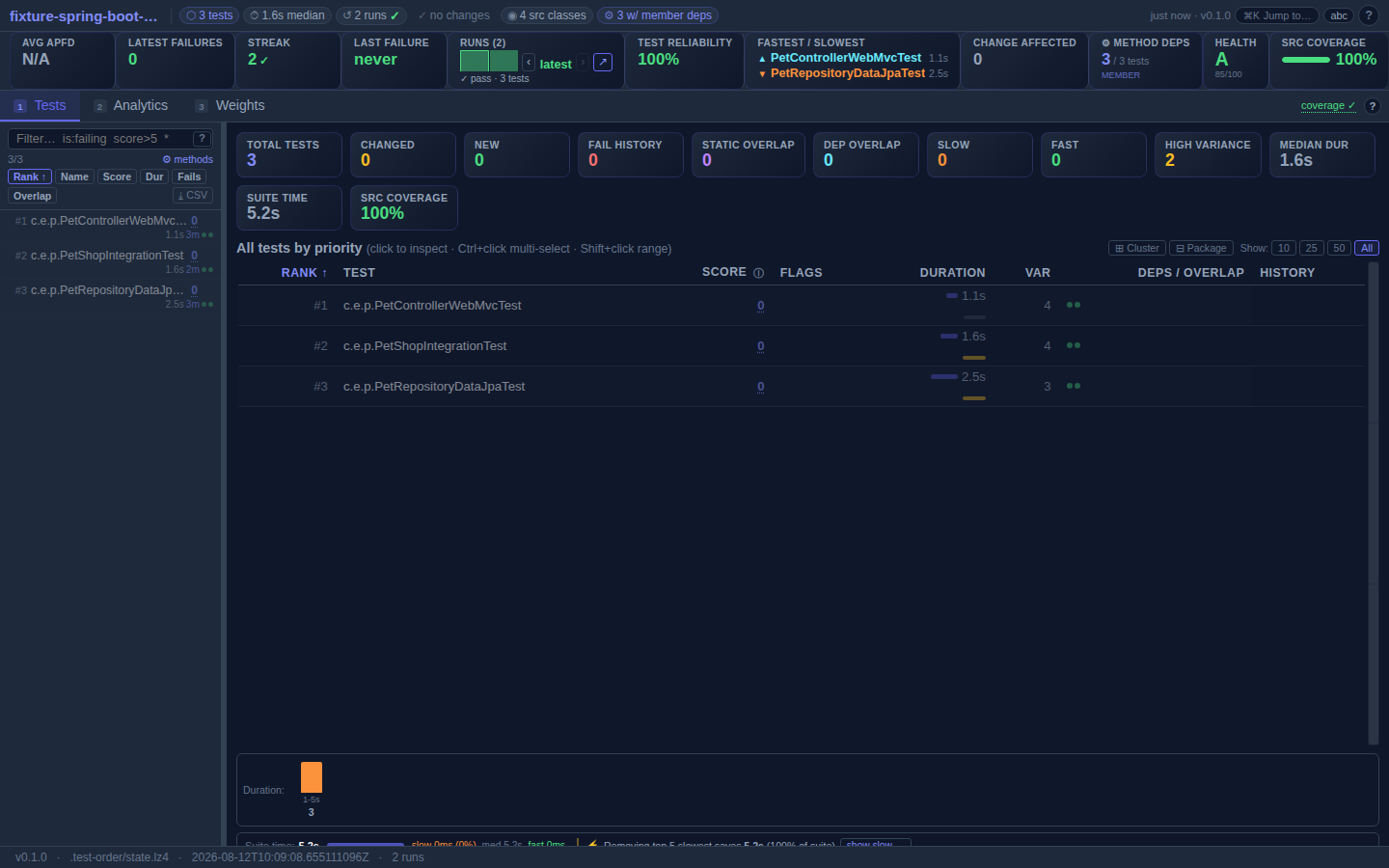
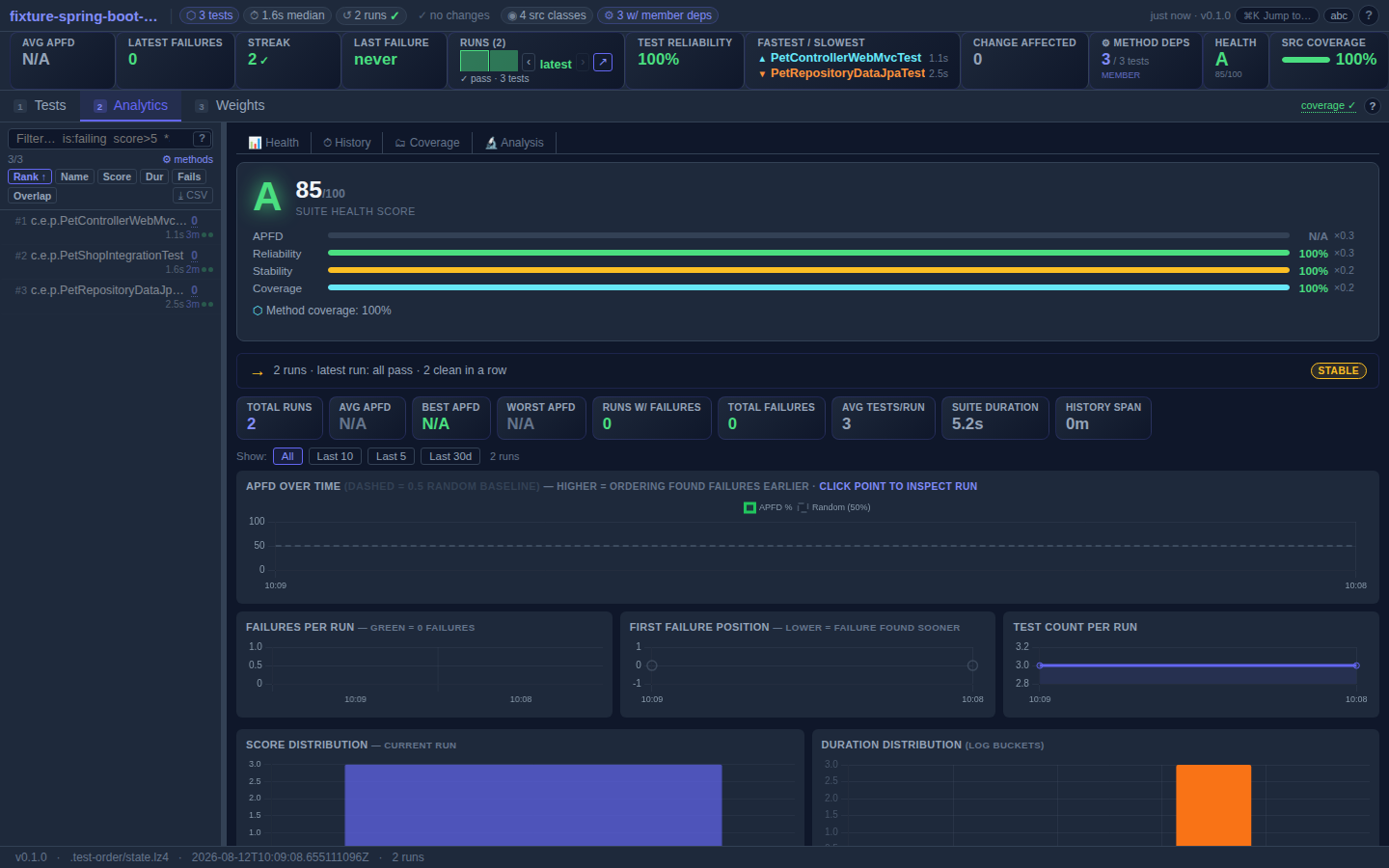
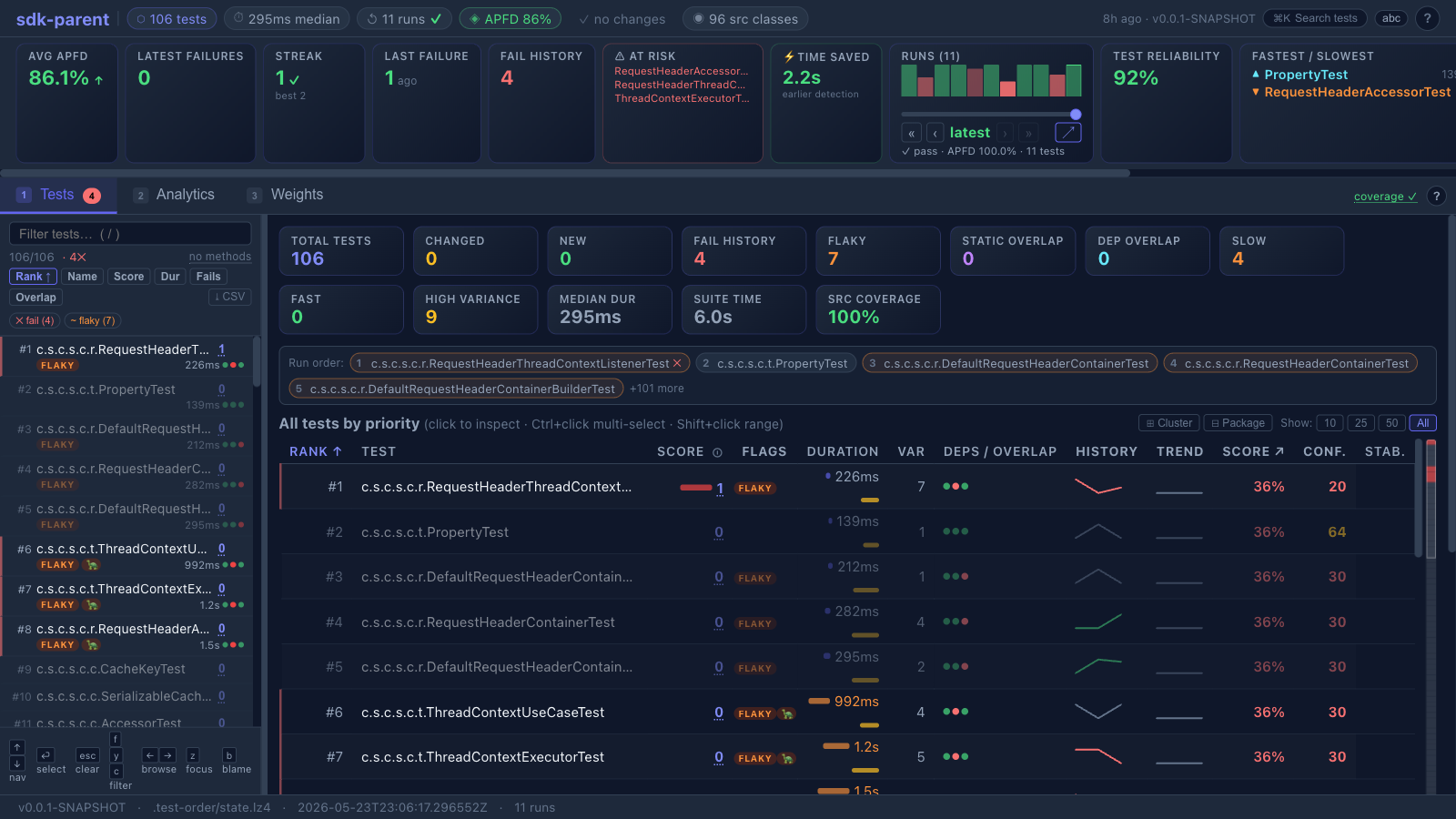
The dashboard ships with every install. Open it after a single test run to see what's slow, what's failing, and which tests are doing the most work. Open live demo → · Dashboard reference →
Add it to your project.
One block in your build file. No code changes. No annotations.
- Maven
- Gradle (Groovy)
- Gradle (Kotlin)
<!-- pom.xml — add the plugin -->
<plugin>
  <groupId>me.bechberger</groupId>
  <artifactId>test-order-maven-plugin</artifactId>
  <version>0.1.1</version>
  <extensions>true</extensions>
  <executions>
    <execution>
      <goals><goal>prepare</goal></goals>
    </execution>
  </executions>
</plugin>
Also add to ~/.m2/settings.xml (one-time, enables the short mvn test-order:show prefix):
<!-- ~/.m2/settings.xml — lets you use the short mvn test-order:show prefix -->
<settings>
  <pluginGroups>
    <pluginGroup>me.bechberger</pluginGroup>
  </pluginGroups>
</settings>
// settings.gradle
pluginManagement {
    repositories {
        gradlePluginPortal()
    }
}

// build.gradle
plugins {
    id 'me.bechberger.test-order' version '0.1.1'
}
// settings.gradle.kts
pluginManagement {
    repositories {
        gradlePluginPortal()
    }
}

// build.gradle.kts
plugins {
    id("me.bechberger.test-order") version "0.1.1"
}
Then just mvn test (or ./gradlew test) — the plugin learns from each run.
Available on Maven Central. Full setup: Maven →Gradle →
How it works
Four steps. The first two are things you already do.
Learn once
mvn test
Records which source classes each test actually exercises. Stored in .test-order/ — happens automatically on first run.
Make a change
# edit a source file
# or add a new test
Run affected tests
mvn test-order:affected test
Run remaining
mvn test-order:run-remaining test
mvn test-order:auto test combines all of the above — learns on first run, then runs affected tests first and the rest after, automatically.